Every writer eventually plays the same game: paste a draft into the first word counter Google offers, dodge three ad blocks, and squint for the number. If the draft is a client piece under NDA — or just something you have not published yet — there is a second, quieter question: where did that text just go?
We ran the same draft through seven popular free counters and compared what each one actually tells you, what sits behind a login, where the ads are, and whether your text stays on your device. Full disclosure: we built one of these tools — that is exactly why we know what to look for, and we have kept the comparison honest enough that the other six get real credit where they earn it.
What We Checked
A useful counter in 2026 has to clear five bars: full statistics (characters, sentences, paragraphs and reading time — not just a word total), keyword density for anyone writing for search, no signup wall, a tolerable ad situation, and ideally browser-local processing so unpublished text never touches a server.
Quick Comparison
| Tool | Full stats | Keyword density | No signup | Type |
|---|---|---|---|---|
| PursTech Word Counter | Yes | Yes | Yes | Browser tool |
| WordCounter.net | Yes | Yes | Yes | Web tool |
| QuillBot Word Counter | Basic | No | Yes | Web tool |
| Google Docs (built-in) | Basic | No | Account needed | Editor feature |
| Microsoft Word (built-in) | Yes | No | Paid app | Editor feature |
| Grammarly Editor | Basic | No | Account needed | Editor feature |
| Character Count Online | Basic | No | Yes | Web tool |
1. PursTech Word Counter — Full Stats, Zero Uploads
Yes, this is ours — judge it against the table above. Paste or type and the PursTech Word Counter live-updates words, characters, sentences, paragraphs and estimated reading time, plus a keyword density panel and character-limit checks for the major platforms. Everything runs in your browser: there is no login, and your text is never sent anywhere, which makes it the safe choice for NDA drafts, unpublished chapters and anything personal.
Best for: writers and SEO work that needs every statistic, privately.
Watch for: it is a counter, not an editor — pair it with wherever you actually write.
2. WordCounter.net — The Long-Standing Favourite
The tool most people mean when they say "word counter". It counts live, tracks keyword density, estimates reading level and speaking time, and keeps a session history. It has earned its popularity — the trade-off is a busy, ad-supported page around the counter itself.
Best for: a proven, feature-rich counter you already know.
Watch for: the ad layout, and the fact that it is a hosted web page rather than a local tool.
3. QuillBot Word Counter — Cleanest Interface
QuillBot's free counter gives words, characters and sentences in a genuinely tidy interface. It exists to introduce you to the wider QuillBot writing suite, so expect gentle nudges toward the paraphraser and AI tools, and fewer standalone statistics than the two tools above.
Best for: quick counts in a modern UI.
Watch for: lighter statistics; the counter is a doorway to a paid product family.
4. Google Docs — The Shortcut You Already Have
If the draft already lives in Docs, Ctrl+Shift+C (⌘+Shift+C on Mac) opens the count instantly, with a checkbox to display it live while typing. It only counts the document you are in — it is not a paste-anything utility — and it requires a Google account by definition. Our platform-by-platform guide covers every shortcut.
Best for: counting inside Docs itself.
Watch for: no keyword density, no reading time, nothing outside Docs.
5. Microsoft Word — Excellent, If You Already Pay
Word's status-bar counter is always on, and Ctrl+Shift+G opens full statistics including characters with and without spaces. It is arguably the most polished built-in counter anywhere — the only catch is that it lives inside a paid application.
Best for: Microsoft 365 users who never leave Word.
Watch for: the licence cost if counting is all you need.
6. Grammarly Editor — Counting as a Side Effect
Grammarly shows word count and readability inside its editor while it checks your writing. If you already draft in Grammarly, the number is right there; if you do not, creating an account just to count words is overkill.
Best for: existing Grammarly users.
Watch for: account requirement; counting is a side feature, not the product.
7. Character Count Online — Bare-Bones and Fast
A minimal page that returns words, characters and lines the moment you paste. The interface has not changed much in years, which is both its charm and its limitation — there is no density analysis, no reading time, no platform limits.
Best for: a fast character total and nothing else.
Watch for: the dated layout and thin statistics.
Which One Should You Use?
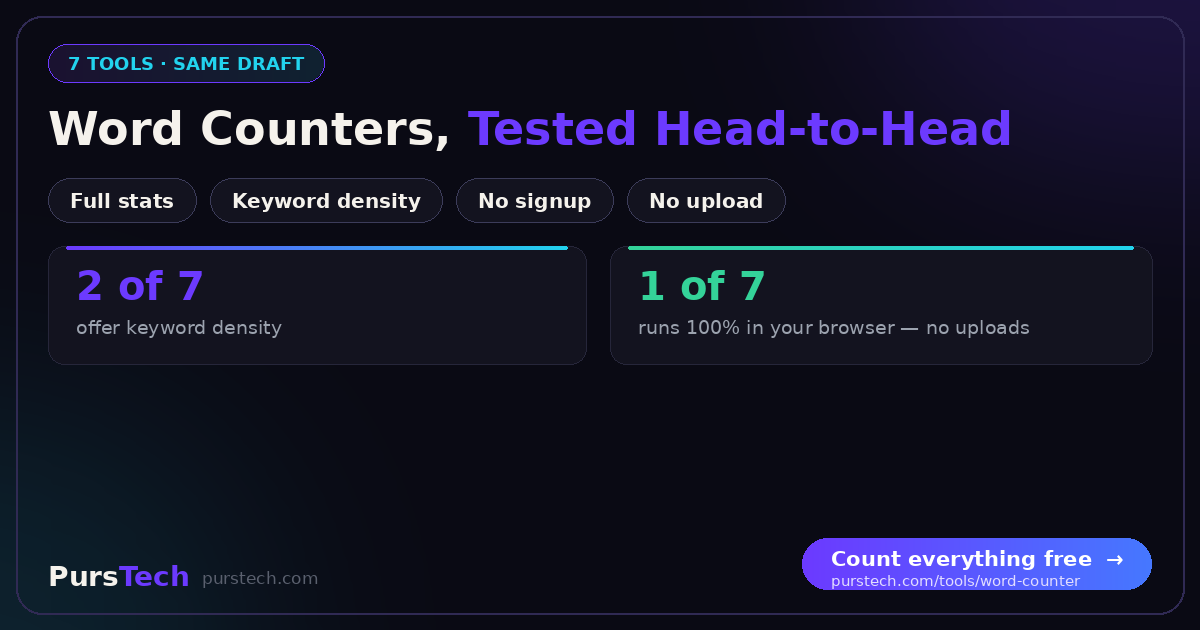
Writing for search? You need keyword density — that narrows it to PursTech or WordCounter.net. Working with confidential text? Choose the browser-local option so nothing uploads. Already inside Docs, Word or Grammarly? Use the built-in shortcut for that document and keep a standalone counter bookmarked for everything else. For target lengths once you are counting, our guide to ideal word counts for every platform has the numbers.
A Note on Privacy
A word counter feels trivial until you remember what people paste into one: unreleased announcements, legal drafts, medical notes, unpublished manuscripts. Any hosted tool means that text travels to someone else's server, however briefly and however good their intentions. A counter that runs entirely in your browser removes the question — there is nothing to trust, because nothing leaves your machine.