QR codes went from a niche logistics technology to a mainstream consumer tool seemingly overnight. Today businesses of every size use them in ways that were considered niche just five years ago.
How QR Codes Work
A QR (Quick Response) code is a two-dimensional barcode encoding data as a matrix of black and white squares. Unlike traditional barcodes that store about 20 characters, QR codes can encode up to 4,296 alphanumeric characters. QR codes include built-in error correction allowing them to remain readable even when up to 30 percent is damaged — which is why a centered logo still scans correctly.
Best Business Use Cases
Restaurant menus: Digital menus reduce printing costs and allow instant updates when items change.
Product packaging: Link to assembly instructions, warranty registration, ingredient details or video demonstrations.
Business cards: A QR code that adds your contact directly to someone's phone is far more likely to be saved than a card requiring manual data entry.
Marketing campaigns: QR codes on print materials bridge physical and digital marketing — no typing required.
WiFi sharing: Auto-connect guests to WiFi by scanning a code — no password reading required.
Design Best Practices
Size: Minimum 2cm × 2cm for printed materials at arm's length. At least 10cm × 10cm for posters.
Contrast: Black on white is optimal. Avoid low-contrast color combinations.
Error correction: Use the highest level (H) for printed materials — tolerates up to 30% damage.
Always test before printing: Scan with at least two different devices before committing to a print run.
Static vs Dynamic QR Codes
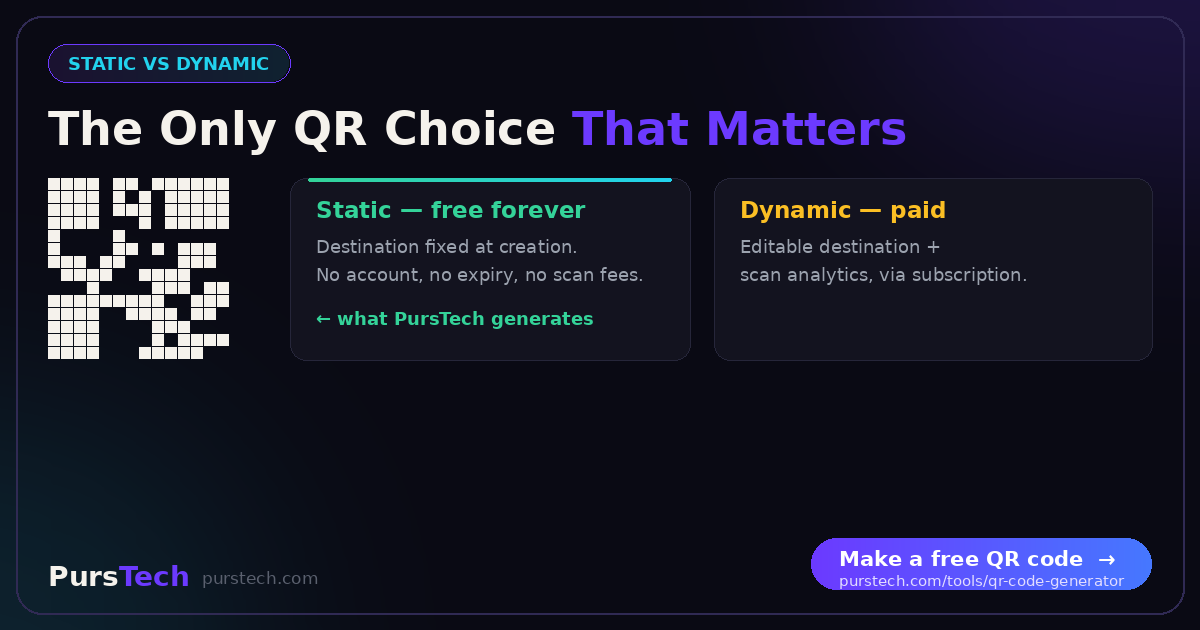
Static codes are simpler and completely free — ideal for single-use or low-volume applications. Dynamic codes allow destination updates and provide scan analytics. The PursTech QR Code Generator creates static codes ready for immediate use.