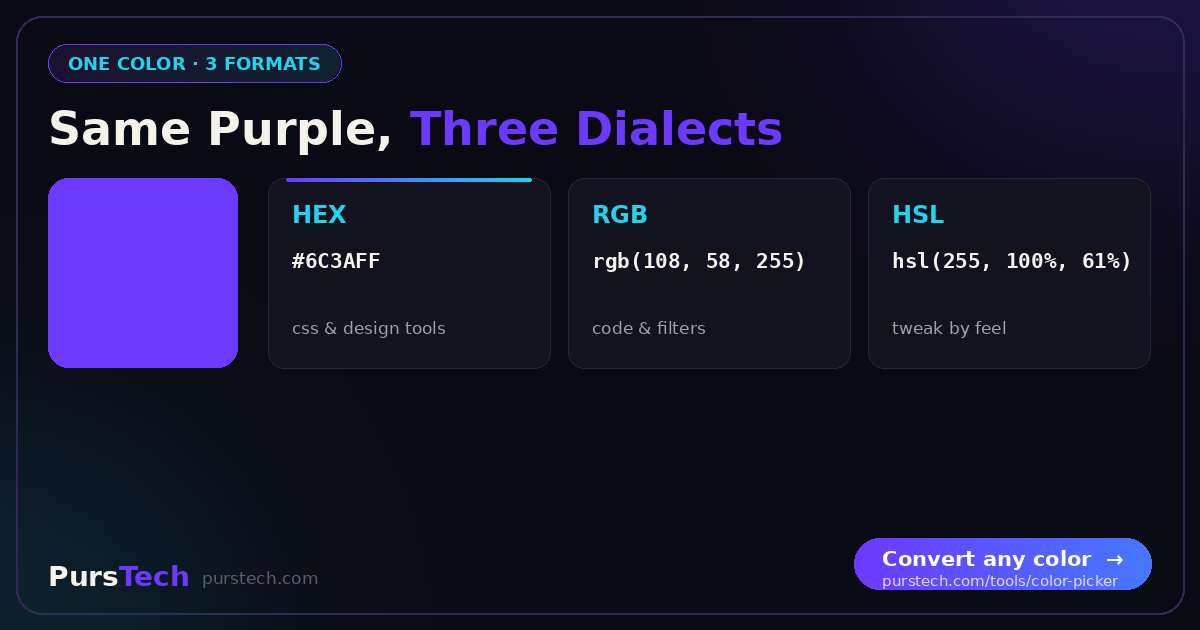
Color is one of the most fundamental aspects of web design, yet the number of color formats — HEX, RGB, HSL, RGBA, HSLA — confuses even experienced developers. Each format has specific strengths suited to different situations.
HEX Color Codes
HEX is the most widely used web color format. A HEX code consists of a hash followed by six characters: #RRGGBB. Each pair represents red, green and blue channels in base 16, ranging from 00 to FF. Pure red is #FF0000, white is #FFFFFF, black is #000000. HEX is compact, universally supported, and the default output of most design tools including Figma and Adobe XD.
RGB Color Values
RGB defines colors using three numbers between 0 and 255: rgb(255, 0, 0) for pure red. Mathematically identical to HEX but in decimal notation. More intuitive for programmatic manipulation — animating or calculating colors dynamically is simpler in decimal. RGBA adds a fourth opacity channel: rgba(255, 0, 0, 0.5) for semi-transparent red.
HSL — The Designer's Format
HSL describes color in human terms: Hue (0–360 degrees on the color wheel), Saturation (vividness, 0–100%), and Lightness (brightness, 0–100%). Creating a lighter shade means increasing the lightness value. Finding a complementary color means adding 180 degrees to the hue. No RGB recalculation needed.
When to Use Each Format
Use HEX for static colors from design handoffs and brand guidelines. Use RGB/RGBA when you need transparency or are manipulating colors in JavaScript. Use HSL/HSLA for design systems, themes and programmatic color variations.
Converting Between Formats
All three formats represent the same color space in different notations. The PursTech Color Picker converts between all formats instantly — enter any color in any format and immediately see HEX, RGB, HSL, HSV and CMYK equivalents, ready to copy.